In the frame
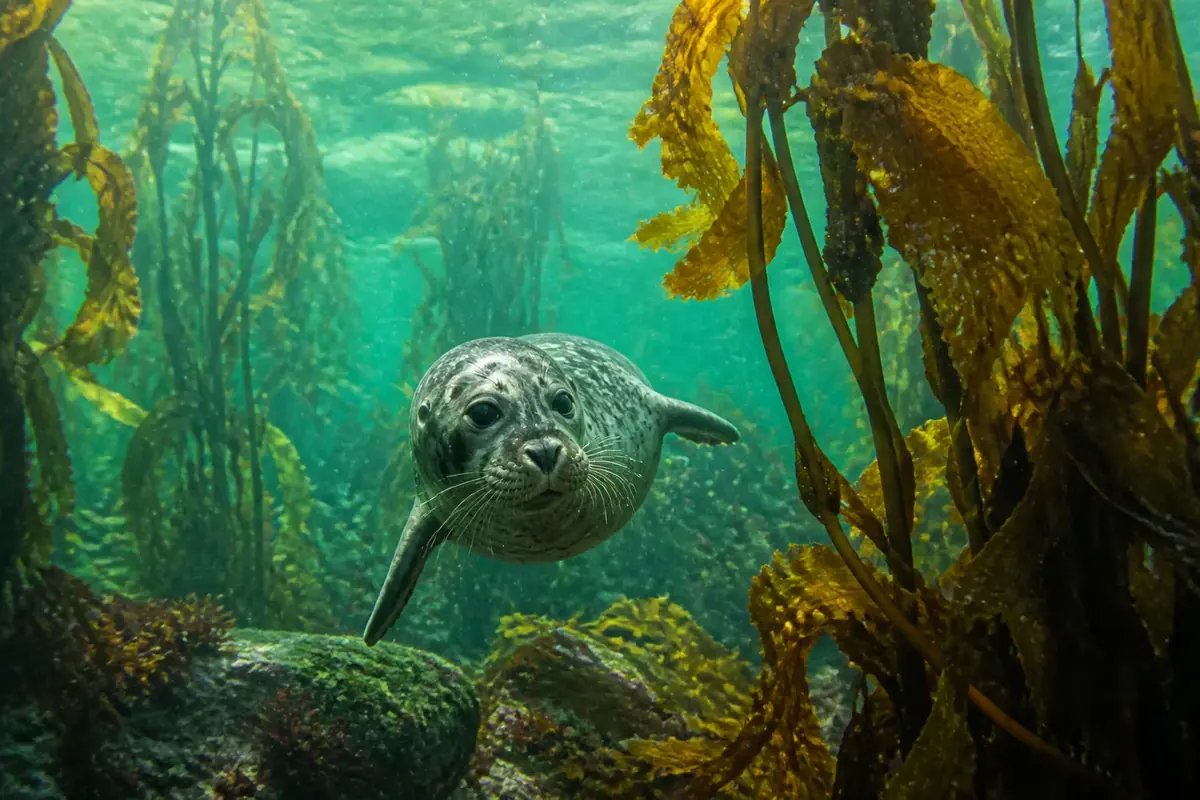
A spotted grey harbour seal swims between kelp stalks and looks straight at the viewer. Golden kelp leaves frame the right side; the water behind is a soft green haze.
This dive cuts the picture into 15 square tiles on a 5 × 3 board and shuffles them. Swap two tiles at a time until the picture is whole; tiles that reach their home spot lock.
Dive plan
- Start with the easy part: the seal's spotted face and the golden kelp on the right.
- Save for last: the soft green water in the background. About 14% of the frame has little detail, mostly in the bottom third, and those pieces look alike.
- Swap each tile straight to its home spot; it locks there, and the tile you displaced is the next one to place.
- If every swap sends a tile home, 14 swaps or fewer finish all 15 tiles.
- Most tiles here hold a recognisable feature, so find their spots by comparing them with the preview.
- Fix the corners first: they are the easiest tiles to place by eye.
Colours of the picture
Main colours, measured from the picture's pixels: charcoal (39%), sea green (39%), brown (13%) and kelp green (9%).
- charcoal39%
- sea green39%
- brown13%
- kelp green9%
How deep it goes
Depth 2 of 5 — an easy dive.
Reef dives sit in the middle: enough pieces to need a plan, never so many that a phone screen feels crowded.