In the frame
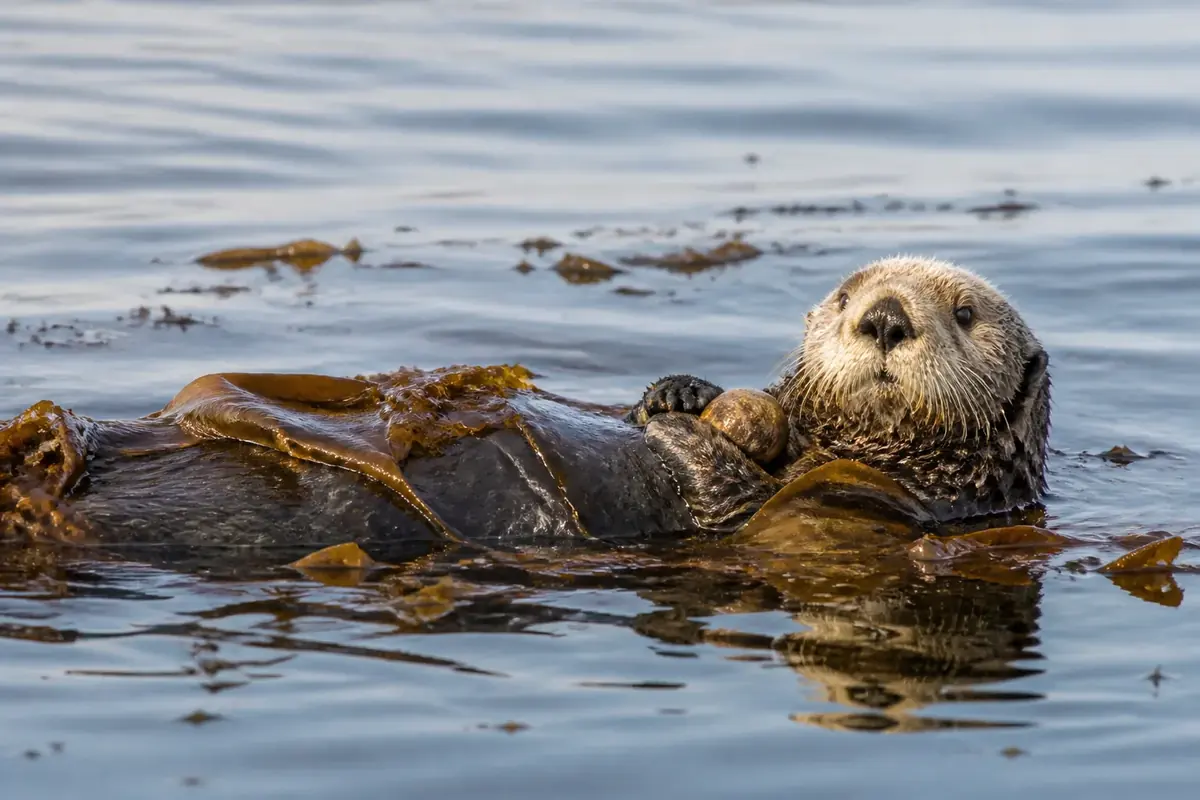
A sea otter floats on its back on calm grey-blue water, its paws on its chest and strands of brown kelp draped across its belly. Loose bits of kelp drift on the surface around it.
This dive leaves all 24 tiles of a 6 × 4 board in place but rotates them by 90, 180 or 270 degrees. Tap each tile until the whole picture stands upright.
Dive plan
- Start with the easy part: the otter's face, paws and the kelp across its body.
- Save for last: the calm, smooth water. About 32% of the frame has little detail, mostly in the top third, and those pieces look alike.
- Each tap turns a tile a quarter clockwise; right-click or Shift+Enter turns it back.
- Start with tiles that contain a horizon, a body or a straight edge — their upright position is obvious.
- For plain tiles, follow the light: water and sky usually get brighter towards the top of the picture.
- Many tiles: set the detailed ones first and leave the plain ones for the end.
Colours of the picture
Main colours, measured from the picture's pixels: grey (48%), brown (14%), sky blue (13%) and white (13%).
- grey48%
- brown14%
- sky blue13%
- white13%
- charcoal12%
How deep it goes
Depth 5 of 5 — a long, deep dive.
Deep dives are the longest in the logbook: the largest board each game gets in the numbered dives.