In the frame
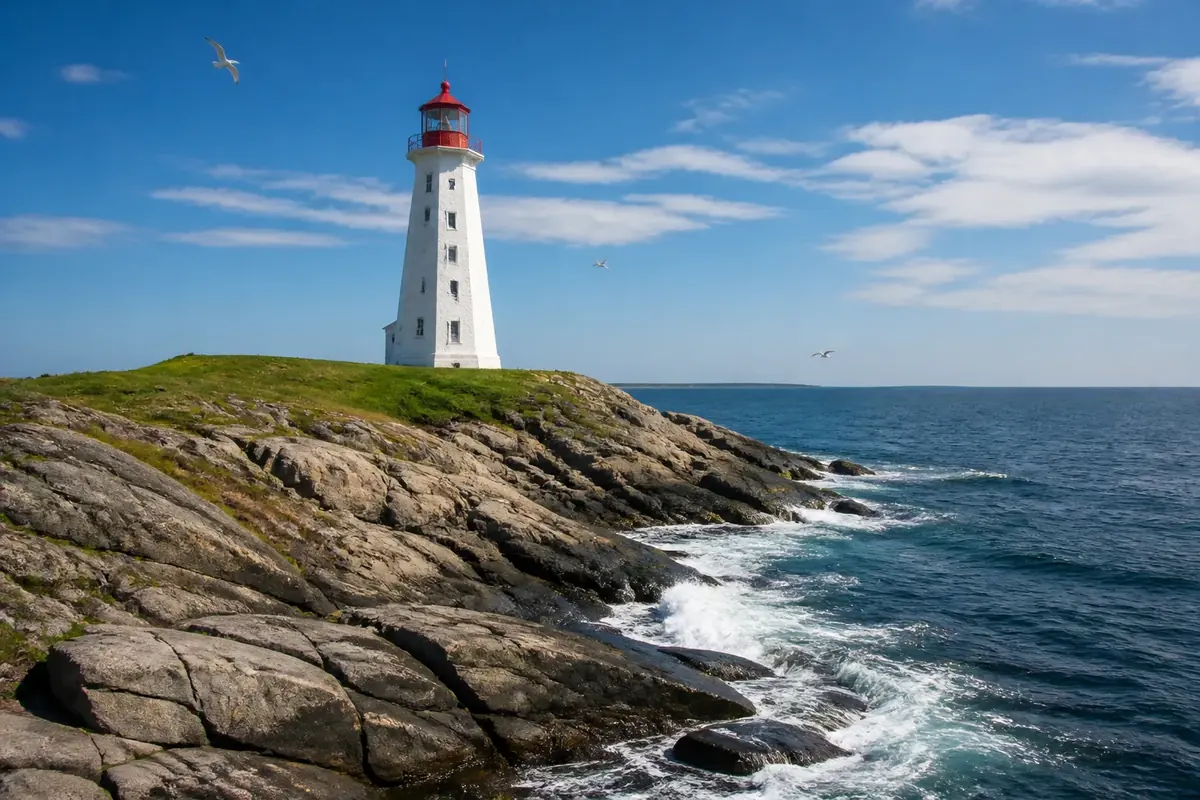
A white lighthouse with a red lantern stands on a grassy, rocky headland. Waves break white against the rocks below, and a blue sky with soft clouds and a few gulls fills the top.
This dive leaves all 15 tiles of a 5 × 3 board in place but rotates them by 90, 180 or 270 degrees. Tap each tile until the whole picture stands upright.
Dive plan
- Start with the easy part: the lighthouse and the white surf on the rocks.
- Save for last: the clear blue sky. About 38% of the frame has little detail, mostly in the top third, and those pieces look alike.
- Each tap turns a tile a quarter clockwise; right-click or Shift+Enter turns it back.
- Start with tiles that contain a horizon, a body or a straight edge — their upright position is obvious.
- For plain tiles, follow the light: water and sky usually get brighter towards the top of the picture.
- Plain tiles can look right at two angles; check the direction of the light and the texture.
Colours of the picture
Main colours, measured from the picture's pixels: ocean blue (29%), sky blue (28%), grey (20%) and slate grey (12%).
- ocean blue29%
- sky blue28%
- grey20%
- slate grey12%
- charcoal11%
How deep it goes
Depth 4 of 5 — a demanding dive.
Wall dives drop off into bigger boards, where the plain parts of a picture start to slow you down.