In the frame
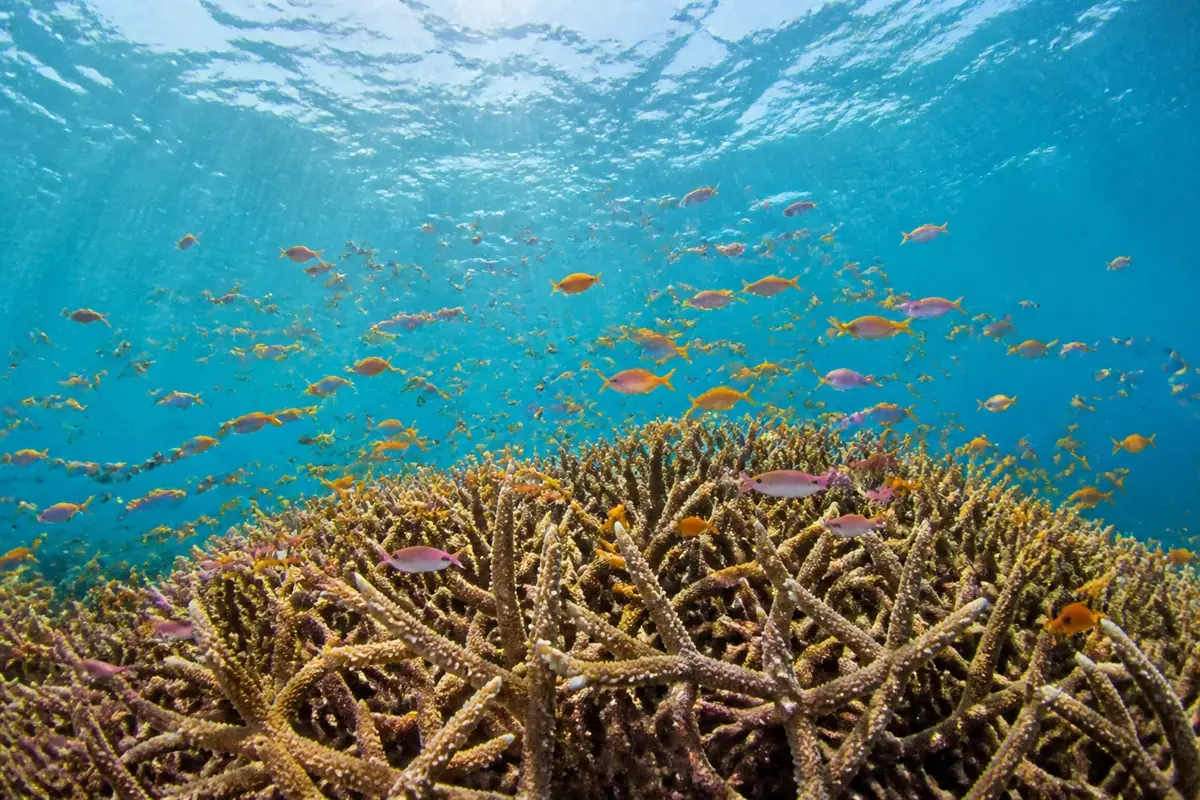
A thicket of branching staghorn coral fills the lower half of the picture, and hundreds of small orange and pink anthias hover above it. The water surface and sun rays are visible at the top.
This dive leaves all 12 tiles of a 4 × 3 board in place but rotates them by 90, 180 or 270 degrees. Tap each tile until the whole picture stands upright.
Dive plan
- Start with the easy part: the antler-like coral branches along the bottom.
- Save for last: the turquoise water near the surface. About 21% of the frame has little detail, mostly in the top third, and those pieces look alike.
- Each tap turns a tile a quarter clockwise; right-click or Shift+Enter turns it back.
- Start with tiles that contain a horizon, a body or a straight edge — their upright position is obvious.
- Lines run through most tiles here, so check that each one continues smoothly into its neighbours.
- Work row by row so you never lose track of which tiles are done.
Colours of the picture
Main colours, measured from the picture's pixels: teal (34%), olive (15%), turquoise (15%) and brown (14%).
- teal34%
- olive15%
- turquoise15%
- brown14%
- charcoal11%
- sky blue11%
How deep it goes
Depth 2 of 5 — an easy dive.
Reef dives sit in the middle: enough pieces to need a plan, never so many that a phone screen feels crowded.