In the frame
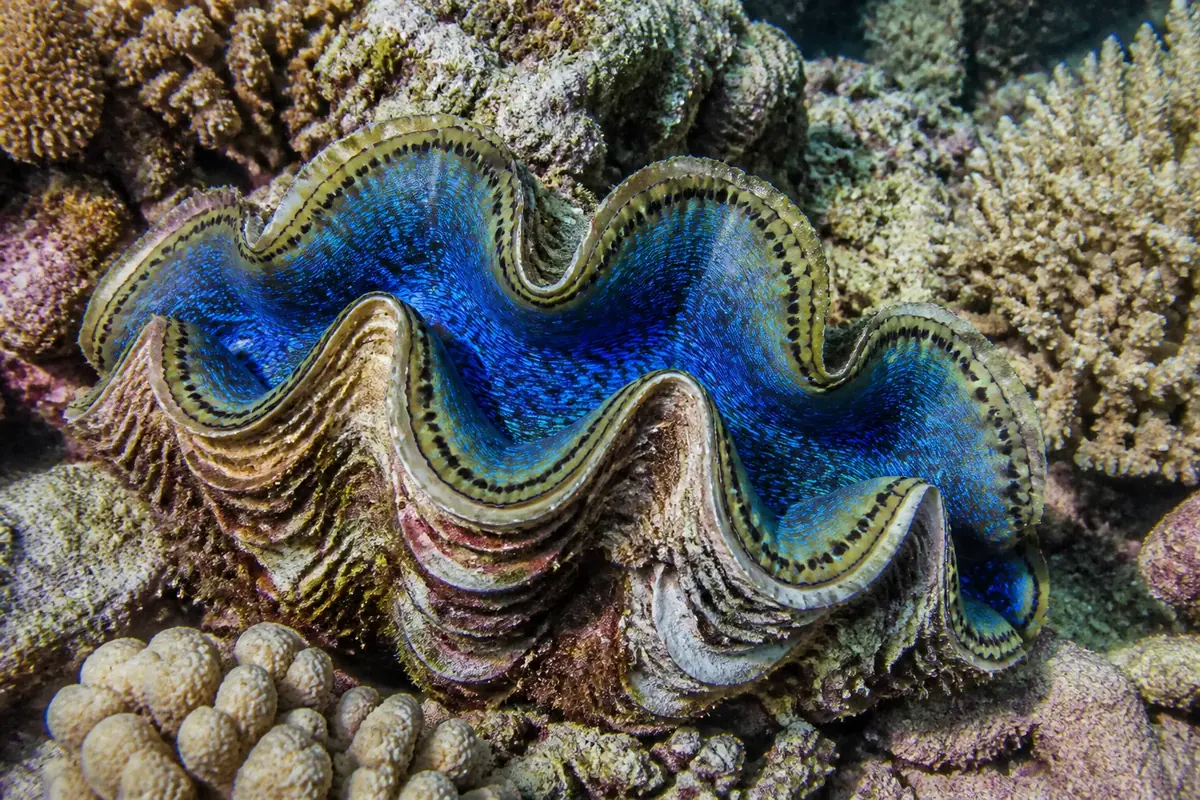
A giant clam fills most of the frame, its wavy shell open to show an electric-blue mantle dotted with dark spots. Branching and lumpy corals in beige, pink and lilac surround it.
This dive leaves all 12 tiles of a 4 × 3 board in place but rotates them by 90, 180 or 270 degrees. Tap each tile until the whole picture stands upright.
Dive plan
- Start with the easy part: the wavy, dark-rimmed edges of the shell.
- Almost every part of this frame has detail. The least distinct part is the deep blue middle of the mantle, and even that has texture to go on.
- Each tap turns a tile a quarter clockwise; right-click or Shift+Enter turns it back.
- Start with tiles that contain a horizon, a body or a straight edge — their upright position is obvious.
- Lines run through most tiles here, so check that each one continues smoothly into its neighbours.
- Work row by row so you never lose track of which tiles are done.
Colours of the picture
Main colours, measured from the picture's pixels: grey (37%), charcoal (25%), brown (17%) and sand (12%).
- grey37%
- charcoal25%
- brown17%
- sand12%
- slate grey9%
How deep it goes
Depth 1 of 5 — a calm paddle.
Reef dives sit in the middle: enough pieces to need a plan, never so many that a phone screen feels crowded.